


Portal Mail
Tabs
Course requests are sent via portal mail to the portal administrator and/or the supervisor responsible for approving training. An automatic message is also sent to their service-specific email notifying them of the request. A link will be provided in the email so that the portal administrator or supervisor can accept or decline the registration.
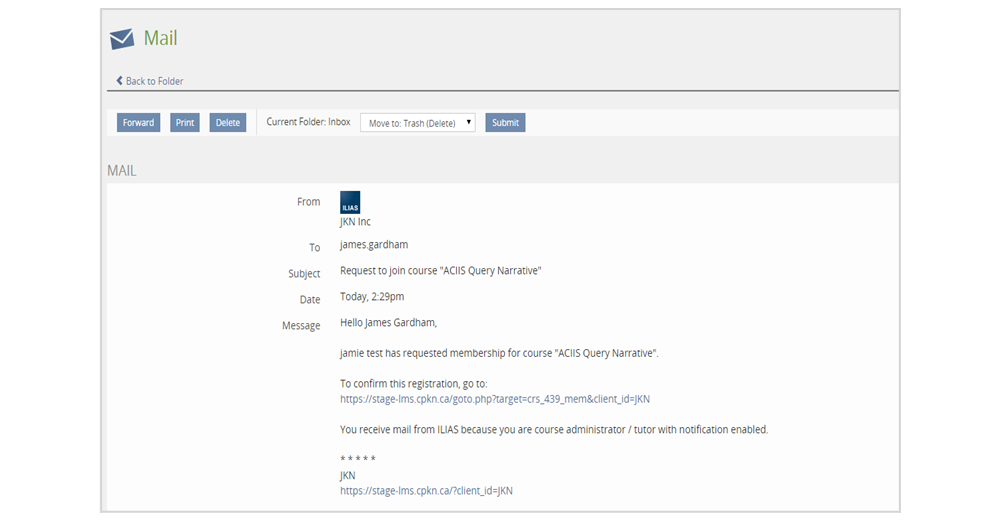
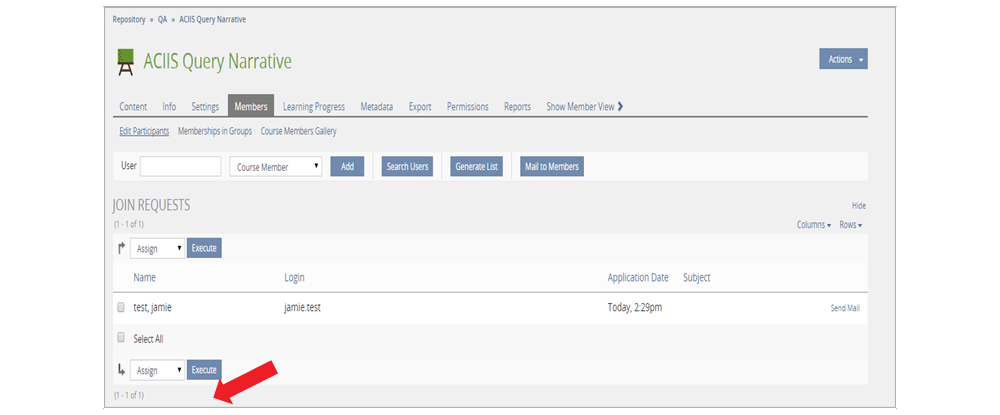
The portal administrator can click on the link provided in the body of the message. From there they will be able to assign or refuse access to the course for the user.
At the time of approval, the portal administrator also has the option to add any comments or notes they would like to communicate to the user.
If a course request from a user is rejected by the portal administrator, the user will receive a message on the portal mail. An automatic email notification will also be sent to the user’s service-specific email address with a link back to the portal mail message. The administrator has the option to include a comment or explanation as to why they were not enrolled to the requested course.