


Creating a Session
Tabs
What is a session?
Sessions can help you structure a course in terms of a timeline. You can provide information and files in an appropriate order and also specify the group of participants.
Using sessions gives you the ability to:
- Track attendance to a session.
- Print a list of session attendees.
- Allow sessions to appear in the course / group calender as well as the user's personal calendar.
- Easily show the chronological progression of a course at a glance.
Adding a Session
To create a session, follow along with the following steps.
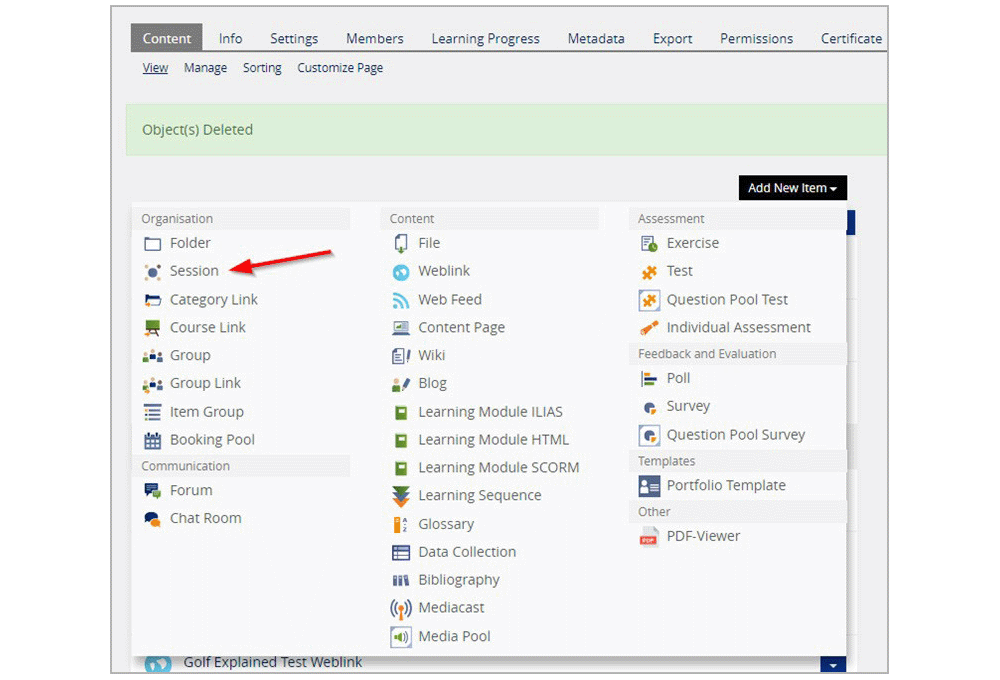
Click ‘Add New Item’, then ‘Session’.
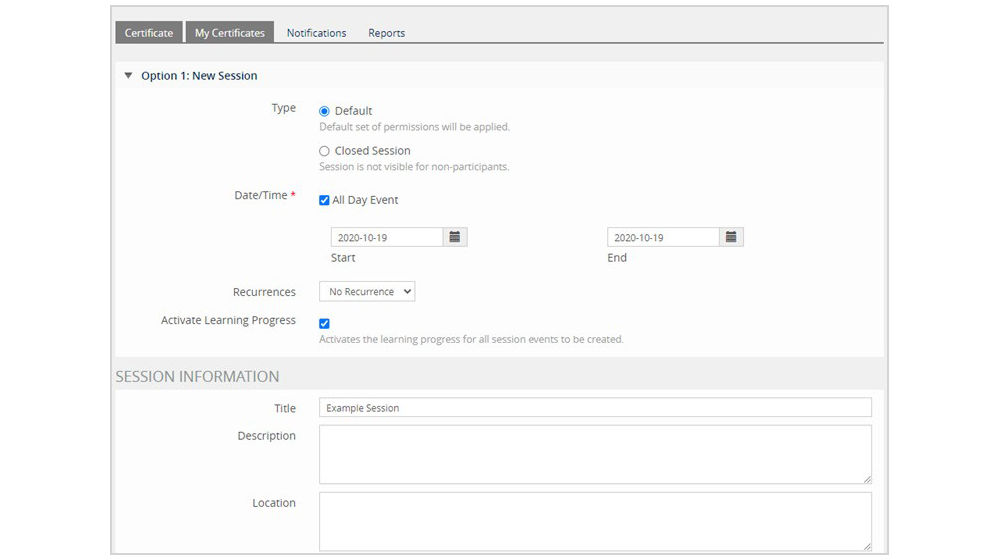
A reports page will open where the session settings can be edited.
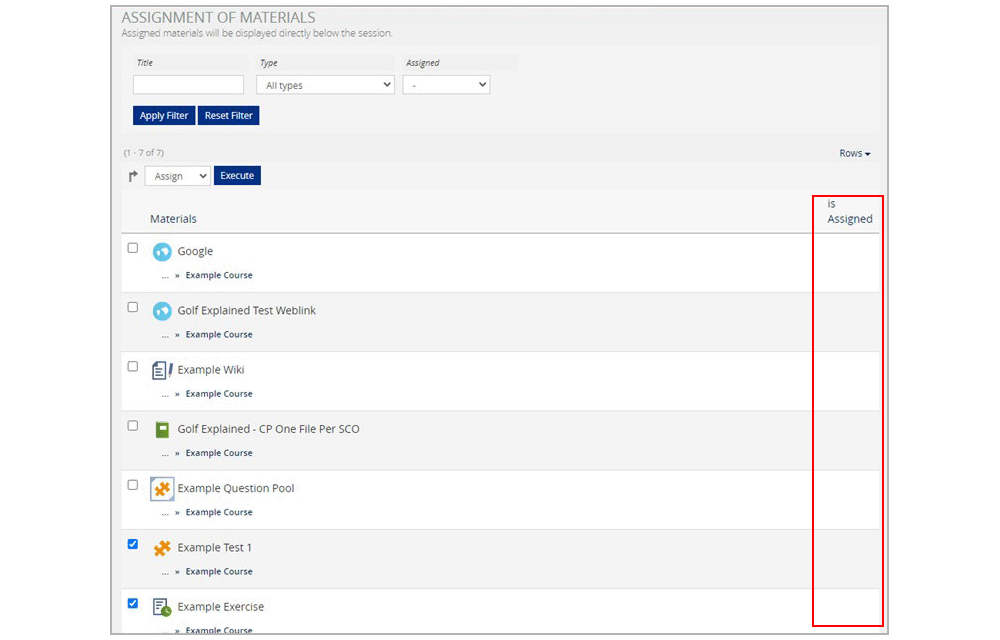
Click ‘Add Session’ and ‘Assign Materials’ to proceed. This will open a list of materials that can be added to the session.
Select the materials you want to add to the session then click ‘Execute’. The selected materials will now show up with checkmarks in the ‘is Assigned’ column.
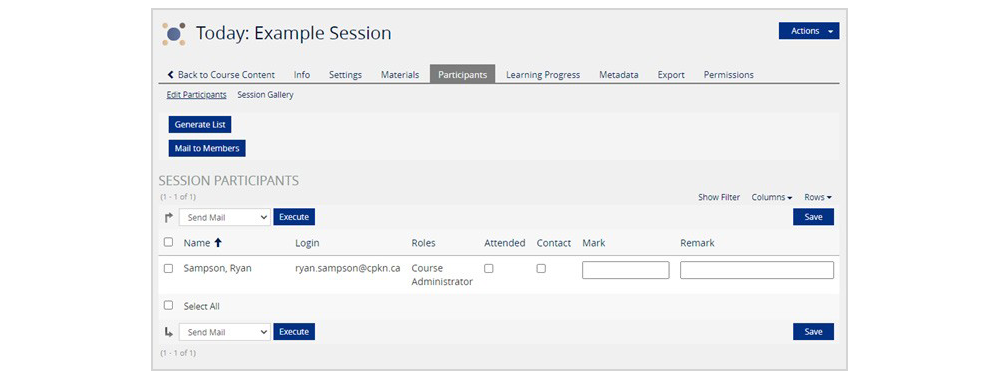
To manage participants, click the ‘Participants’ tab. Here you can mark member attendance, leave remarks, or manually enter a mark for them.